

 AED + Free Delivery on all orders. Download UsedPanda
How do I post an Ad?
Posting an ad on UsedPanda is very easy and takes not more than 30 seconds. Simply follow the steps below to understand the Post Ad flow better.
Step 1:
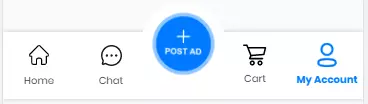
Click on the Post Ad button at the bottom of the App
Step 2:
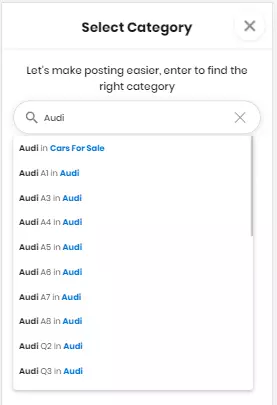
Search Select Category & Subcategory
Step 3:
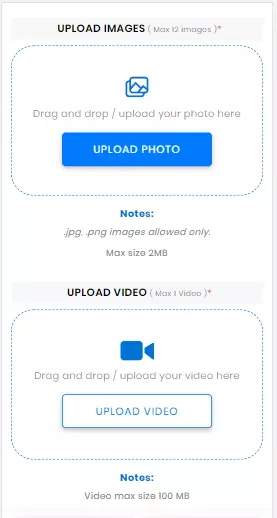
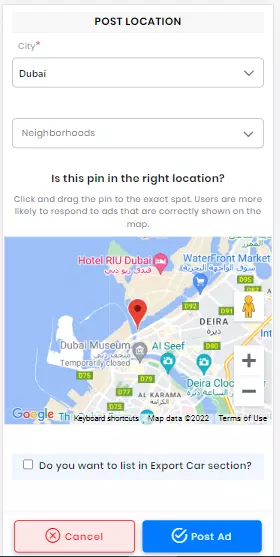
Add photos and video with price, description, and location.
 Step 4:
 You Ad will be submitted and after approval from UsedPanda, it will be live.

If you need any further assistance you may always contact our support team by visiting https://usedpanda.com/contact-us/